Customizing Keyboard Shortcuts in Arduino IDE to Speed Up Development
I unlocked a 25% faster workflow by customizing Arduino IDE shortcuts—imagine what’s possible when you master them.
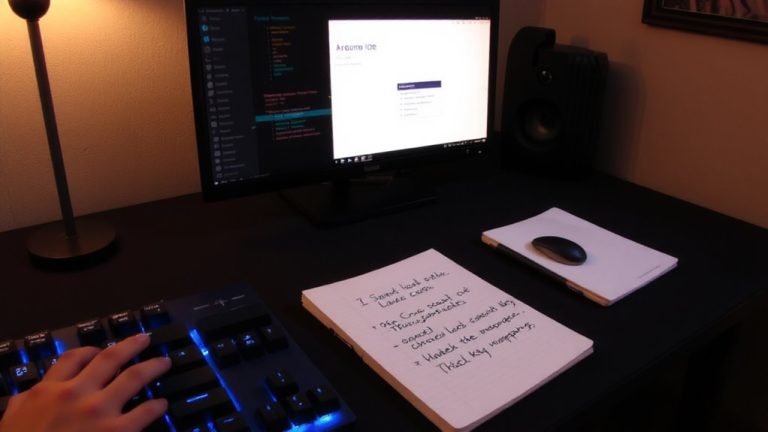
I unlocked a 25% faster workflow by customizing Arduino IDE shortcuts—imagine what’s possible when you master them.
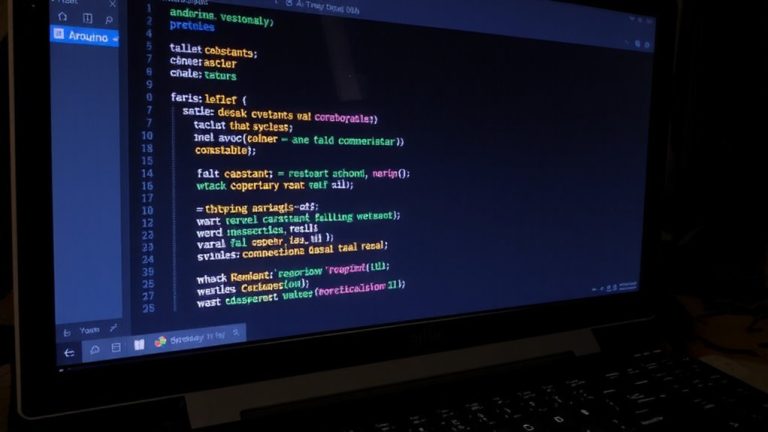
Getting line numbers and syntax highlighting in Arduino IDE isn’t straightforward—discover the clever workarounds pros use to code faster and catch errors instantly.
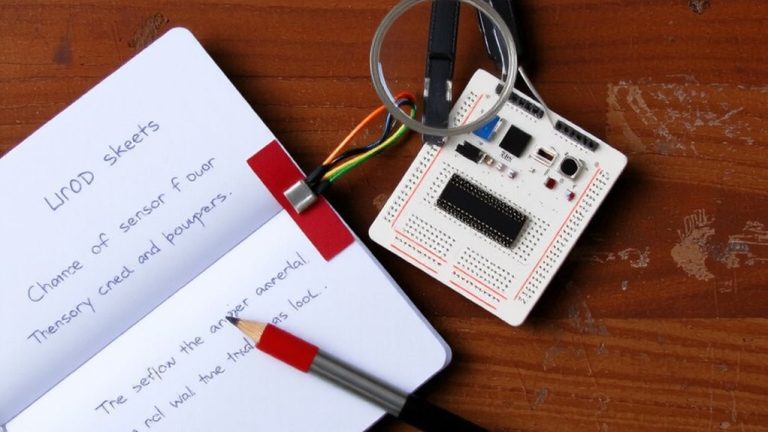
Cut debugging time by 30%—discover how smart comments and hidden bookmarks transform tangled Arduino code into a navigable masterpiece.
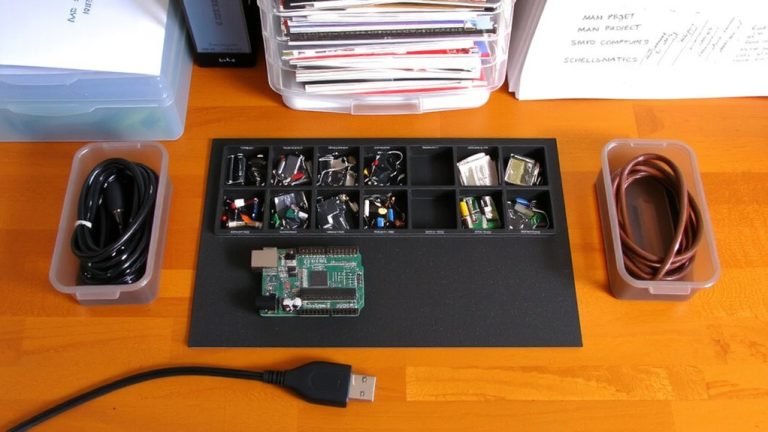
Just like a well-organized workshop, the right folder structure keeps your Arduino projects running smoothly—discover the system professionals use to avoid hidden pitfalls.
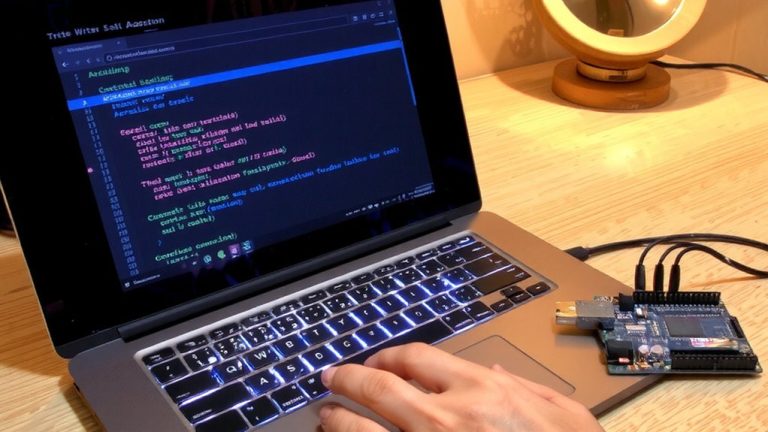
Pressing Ctrl+K, Ctrl+0 collapses thousands of lines instantly—discover how code folding in Arduino IDE transforms chaos into clarity.
To successfully upload your first Blink program to Arduino Uno, just follow these crucial setup steps that could save you hours of frustration.
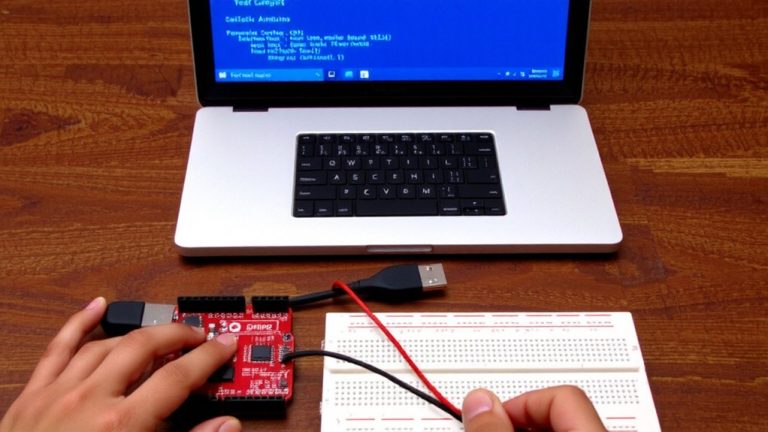
Click to uncover the secrets of the Arduino IDE—master tools that cut errors and unlock your build’s full potential.
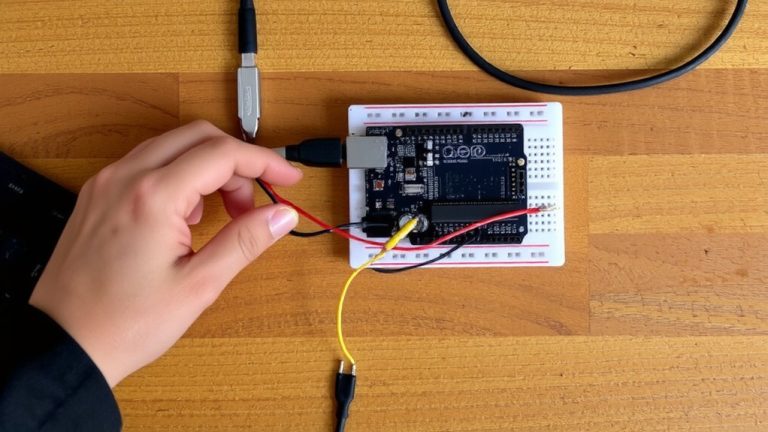
Perfecting your first Arduino sketch starts with mastering setup() and loop()—but one crucial detail can make or break your blink.
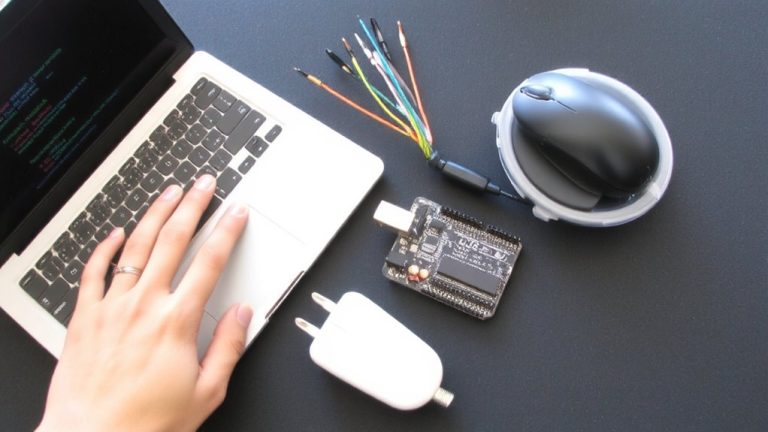
Learn how to install the Arduino IDE and connect your board—the first step to bringing your creative projects to life—wait until you see how fast it works.
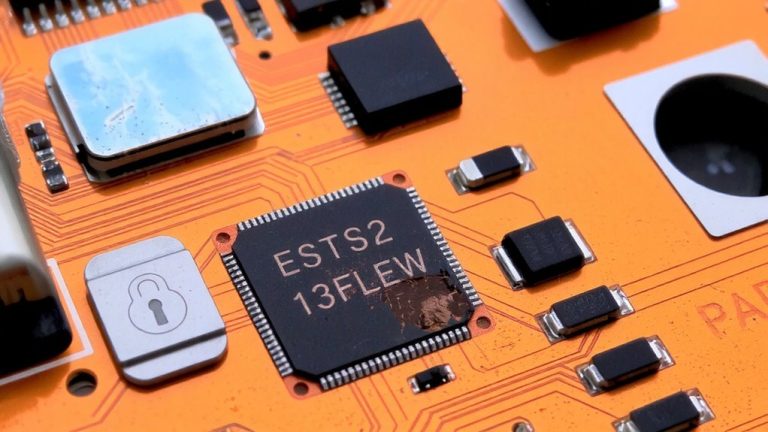
Never let a compromised firmware version undermine your ESP32’s security—see how rollback protection locks out downgrade attacks for good.