Using the Built-in Auto-Format Tool in Arduino IDE to Clean Up Messy Code
Boost your Arduino code’s readability with one快捷 keystroke—but beware the hidden quirks that could break your build.
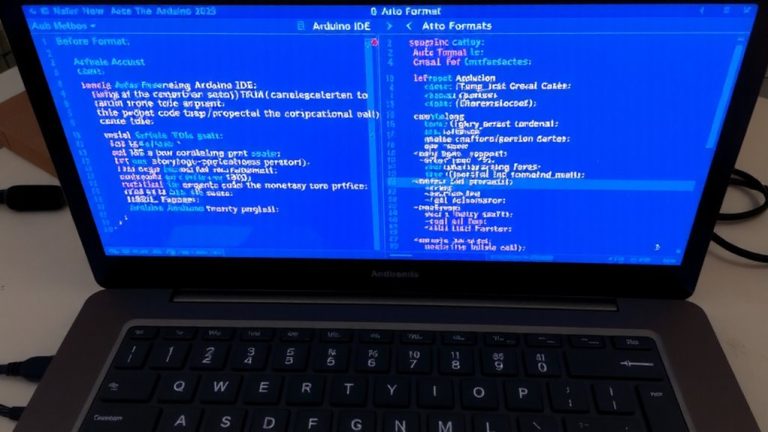
Boost your Arduino code’s readability with one快捷 keystroke—but beware the hidden quirks that could break your build.

I unlocked a 25% faster workflow by customizing Arduino IDE shortcuts—imagine what’s possible when you master them.
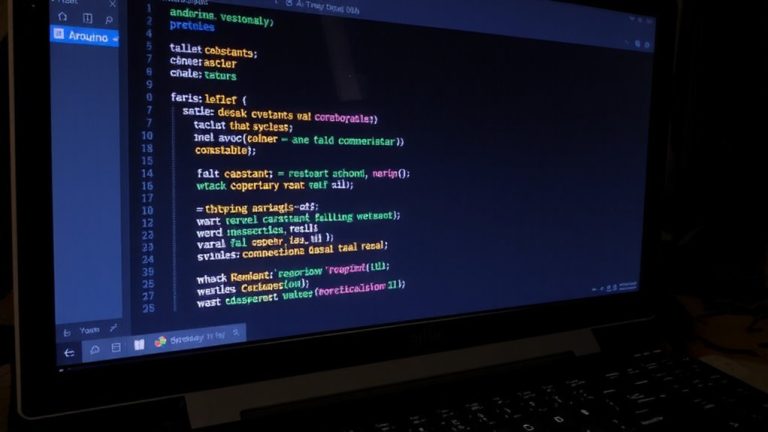
Getting line numbers and syntax highlighting in Arduino IDE isn’t straightforward—discover the clever workarounds pros use to code faster and catch errors instantly.
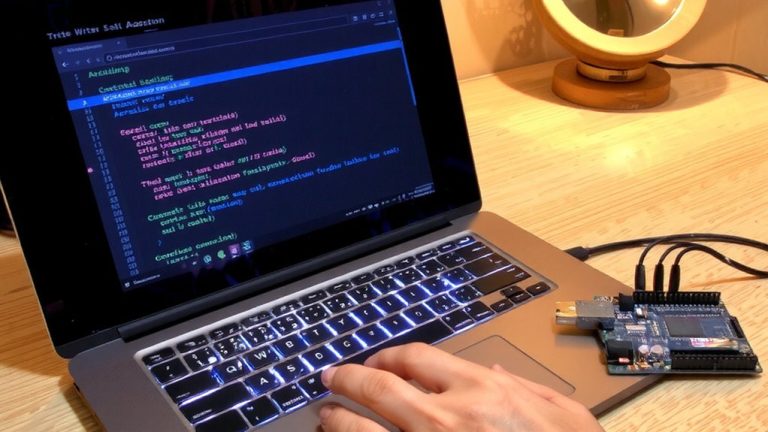
Pressing Ctrl+K, Ctrl+0 collapses thousands of lines instantly—discover how code folding in Arduino IDE transforms chaos into clarity.
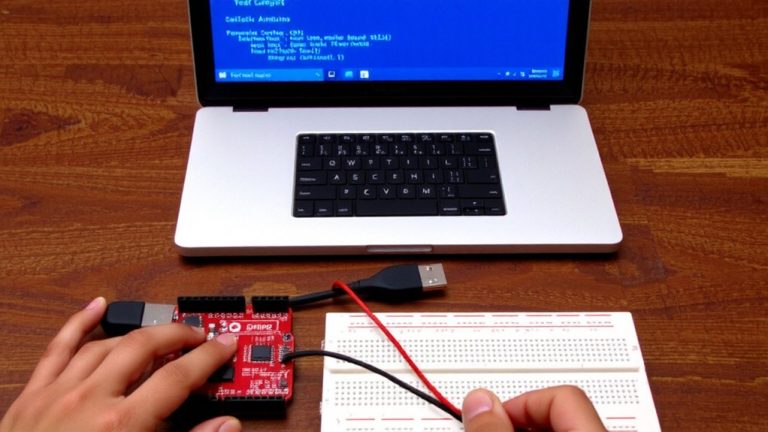
Click to uncover the secrets of the Arduino IDE—master tools that cut errors and unlock your build’s full potential.
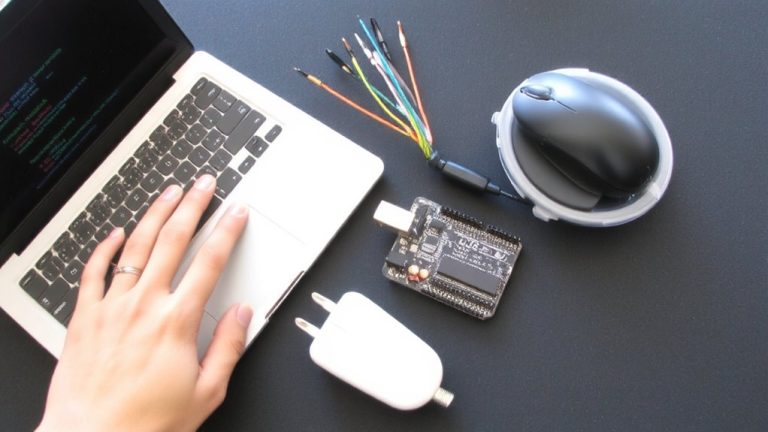
Learn how to install the Arduino IDE and connect your board—the first step to bringing your creative projects to life—wait until you see how fast it works.
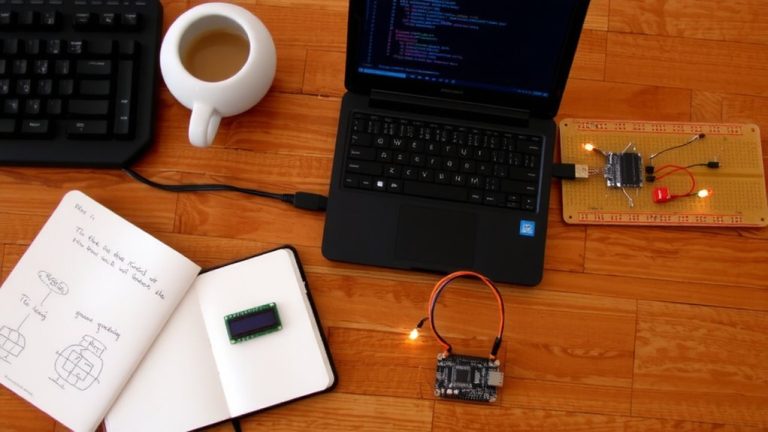
Save time by automating asset generation in Arduino IDE with pre-build and post-build hooks—here’s how to make your builds smarter.

I unlocked 20% faster Arduino code with one hidden compiler flag—discover how to optimize every byte without breaking your sketch on the next update.
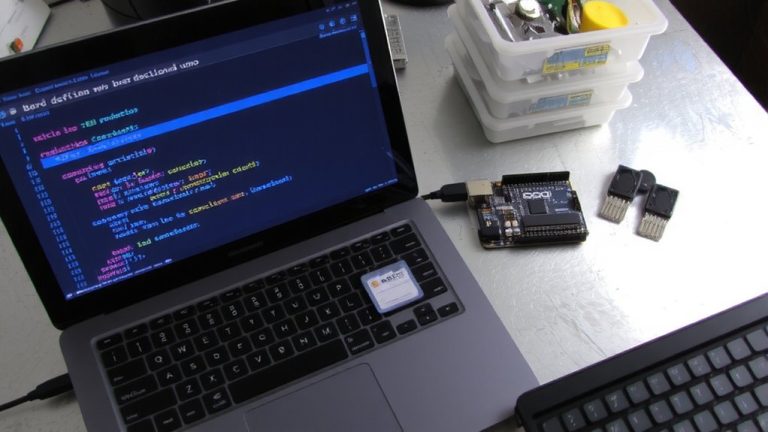
Only the right Arduino IDE setup unlocks seamless ESP32 board support—miss one step and your WAVE ROVER demo won’t run.
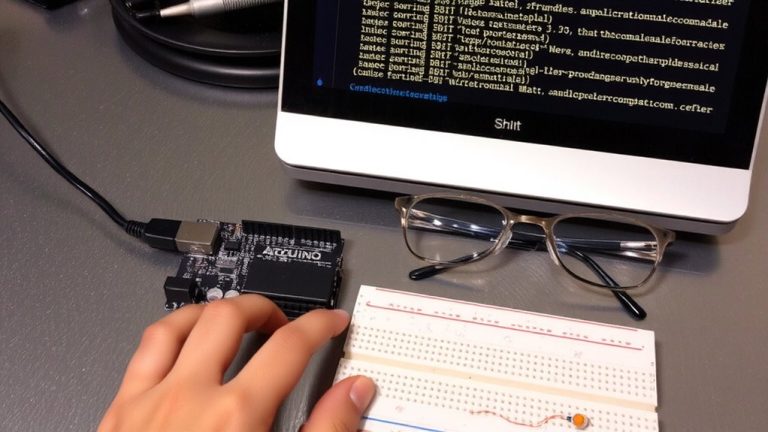
Programming errors hiding in your Arduino code? Turn on verbose output to uncover hidden upload secrets—what you find might just save your next build.