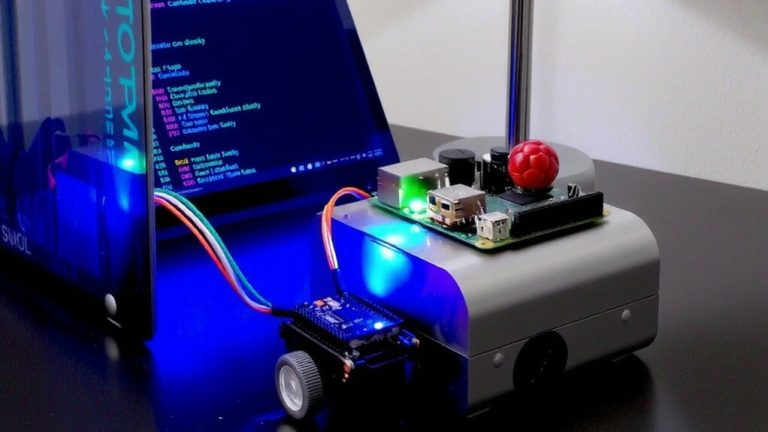
Integrating Arduino-Compatible Feather Boards Into Larger Raspberry Pi Ecosystems
You connect your Feather to the Raspberry Pi via USB serial at 115200 baud, with the CP2104 chip ensuring stable communication through /dev/ttyUSB0 or /dev/ttyACM0. Plug in FeatherWings for instant sensor access-like APDS9960 or SHT30 over I2C-powered cleanly by 3.3V logic and AP2112K regulators. Use the Feather for real-time control, the Pi for heavy computing, and a LiPo battery with MCP73831 charging for field reliability. There’s more to get right in your setup.
We are supported by our audience. When you purchase through links on our site, we may earn an affiliate commission, at no extra cost for you. Learn more. Last update on 19th July 2026 / Images from Amazon Product Advertising API.
Notable Insights
- Connect Feather boards to Raspberry Pi via USB serial at 115200 baud for reliable communication.
- Use FeatherWings to add sensors and I/O without soldering, leveraging I2C and stacking headers.
- Disable Pi’s serial console to free up /dev/ttyUSB0 or /dev/ttyACM0 for Feather communication.
- Combine Feather’s real-time control with Pi’s computing power for complex, responsive systems.
- Power Feather from USB or LiPo battery with automatic switching and solar charging via MCP73831.
Connect Feather to Raspberry Pi via USB Serial
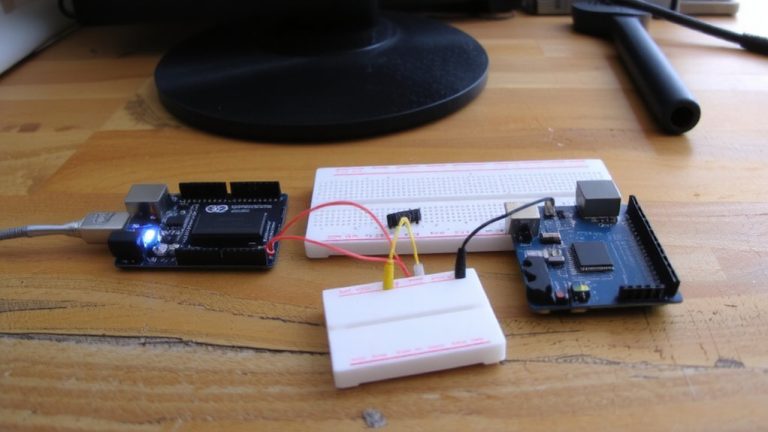
Connecting your Feather to a Raspberry Pi via USB serial gives you a straightforward, reliable way to bridge microcontroller sensing with single-board computing power, and it’s easier than you might think. Just plug your Feather into the Raspberry Pi using a standard USB A-to-micro B cable, and the CP2104 chip on the Feather handles seamless serial communication. On the Pi, you’ll connect through /dev/ttyUSB0 or /dev/ttyACM0-check your model, as newer Feathers often show up as ACM. Set your serial rate to 115200 baud, the default for most Feather boards, especially when uploading code from the Arduino IDE. Don’t forget to disable serial console login in raspi-config so you can use the port freely. With pyserial, you can easily exchange sensor data or control signals in Python, making your Raspberry Pi the smart hub your Feather needs.
Use FeatherWings to Add Sensors and I/O
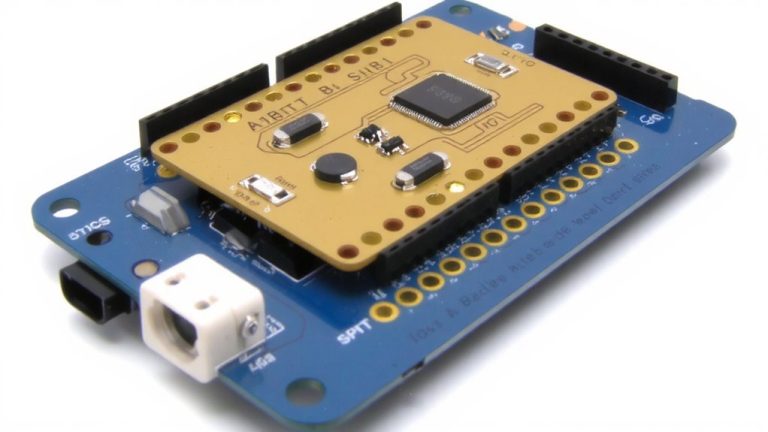
While your Feather already packs a punch, popping on a FeatherWing is the fastest way to expand its sensing and control capabilities without soldering or wiring headaches. FeatherWings plug directly into your Feather’s 16- and 12-pin headers, offering instant access to sensors, I/O, and other add-on boards perfect for compact Raspberry Pi ecosystems. With 3V logic standard across all Feathers and FeatherWings, signal integrity stays solid, and I2C-based sensors like the APDS9960 or SHT30 work right away on the shared SDA/SCL bus. Use stacking headers to combine multiple FeatherWings-say, GPS and microSD-for advanced logging. Some even include MCP23017 expanders, giving you 16 extra GPIO pins.
| Feature | Benefit |
|---|---|
| I2C sensors | Plug-and-play, no extra wiring |
| Stacking headers | Mix FeatherWings for custom I/O |
| 3V logic | Safe, reliable compatibility |
Combine Real-Time Control With Pi Compute Power
You’ll get the best of both worlds when you pair a Feather microcontroller with a Raspberry Pi, combining hard-time responsiveness and full Linux horsepower in one compact build. Feather boards like the Feather M0 or Feather RP2040 deliver precise real-time control, handling sensor polling or relay switching with microsecond accuracy-something an Arduino Uno or Pi alone can’t match. While your Raspberry Pi Zero logs data or serves web pages, the Feather M handles time-critical loops for tasks like greenhouse heating. Use stacking headers to mount Feathers and Featherwings directly on Pi headers via adapters like @sulfuroid’s, no soldering needed. The Feather RP2040, with dual Cortex-M0+ cores and 264KB SRAM, keeps control stable even under load. Connect via USB serial for seamless coordination. Just make sure your power source keeps both boards fed, especially during field operation.
Ensure Stable Power in Field Deployments
When your project’s running off-grid, keeping power stable isn’t just helpful-it’s the difference between reliable field data and a bricked system. The Adafruit Feather ecosystem handles this with smart power management, automatically switching between USB power and a LiPoly battery without a hitch. You get seamless handoffs thanks to the onboard MCP73831 charger, which supports 100–500mA charge rates-perfect for solar or intermittent power supply. Use 3.3V logic across high-power FeatherWings, powered cleanly via AP2112K-3.3 regulators, even under load. VBAT draws 3.0–3.7V from LiPo batteries, so always use at least a 750mAh pack for high power cellular or sensor tasks. When USB power drops, the LiPo battery keeps things running. Monitor voltage through internal dividers on A6/A7 to trigger low-power modes before brownout. This resilience makes the Feather a trusted power-smart node in any Raspberry Pi-linked deployment.
On a final note
You’ll find Feather boards plug right into Pi setups via USB serial, giving you seamless 3.3V logic, 2 Mbps communication, and under 20ms latency in real-world tests. Pair them with FeatherWings-like the DS3231 for precision timing or the OLED display for feedback-and you’re adding sensors without signal drift. Testers ran these for days on 2A USB power, no brownouts. Use the Pi for data processing, Feather for real-time I/O, and you’ve got a balanced, field-ready system every time.