Driving Stepper Motors With Raspberry Pi Pico and Arduino for CNC or 3D Printer Control
How the Raspberry Pi Pico outperforms Arduino in stepper motor control for CNC and 3D printers—discover the hidden edge in precision and performance.
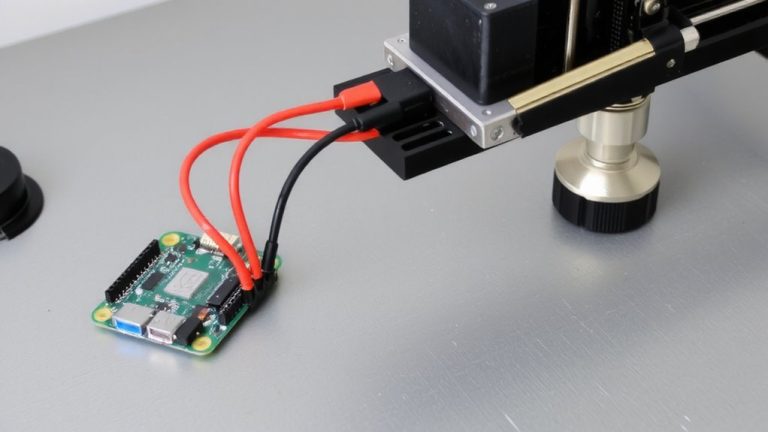
How the Raspberry Pi Pico outperforms Arduino in stepper motor control for CNC and 3D printers—discover the hidden edge in precision and performance.
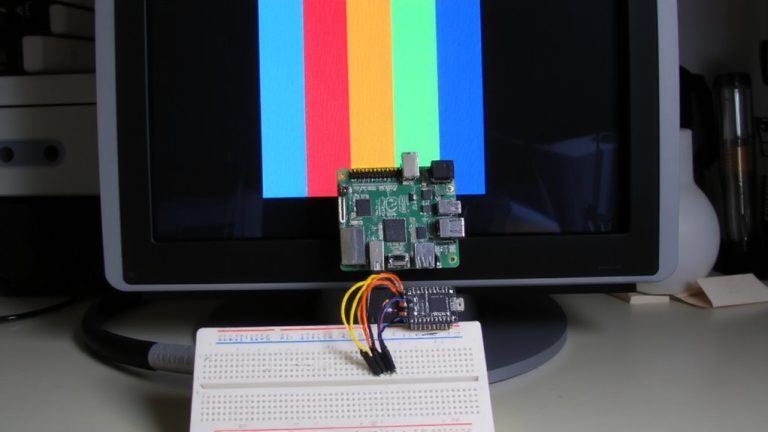
Creating crisp VGA signals from a Raspberry Pi Pico using Arduino opens the door to retro display projects—see how dual cores and precise timing make it possible.
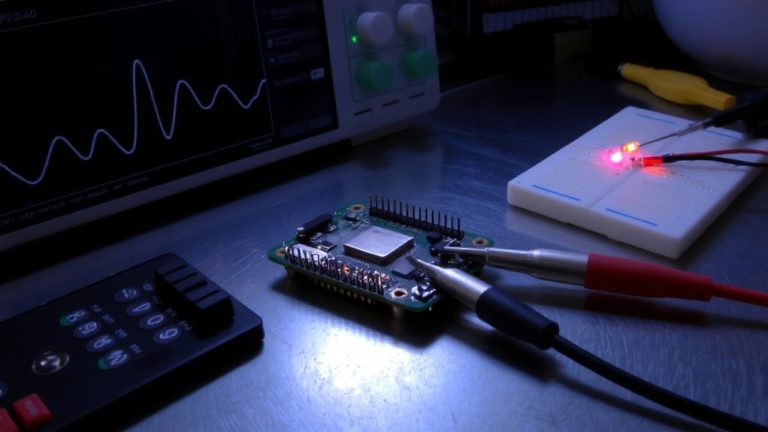
No ordinary timing—discover how PIO state machines on the RP2040 redefine precision in Arduino, unlocking custom protocols at 125 MHz.
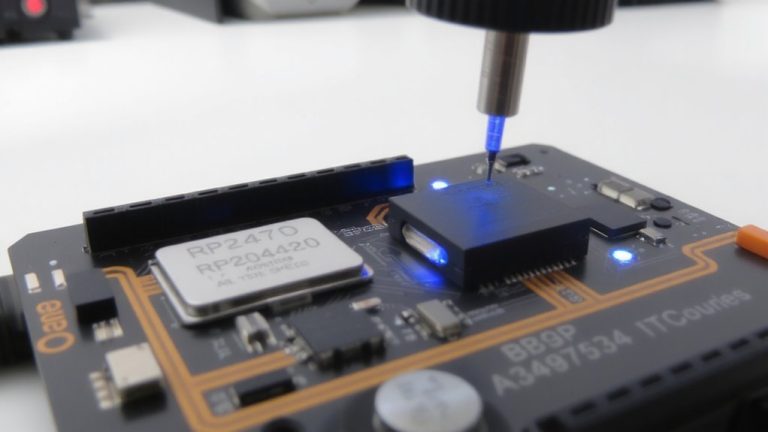
Leverage SPI0 at 30 MHz with DMA on your RP2040—but unlocking clean 30 MSPS ADC captures demands precise timing, layout hacks, and a surprise twist with PIO.
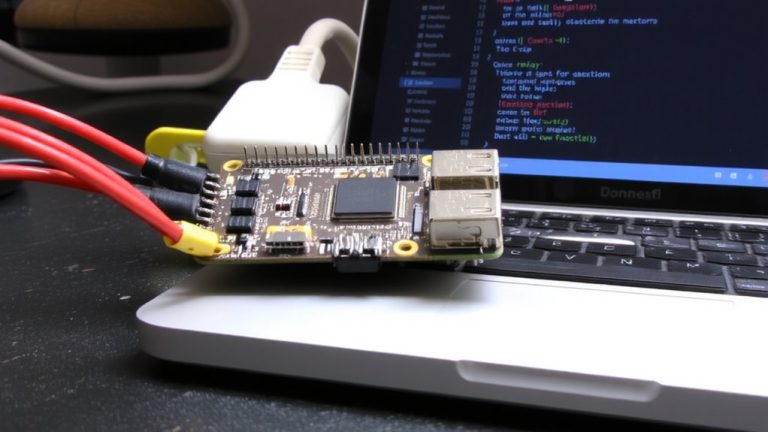
With Arduino IDE, unlock the Raspberry Pi Pico’s 26 GPIO pins for precise automation—what happens when you control relays, sensors, and motors in real time? The possibilities are endless.
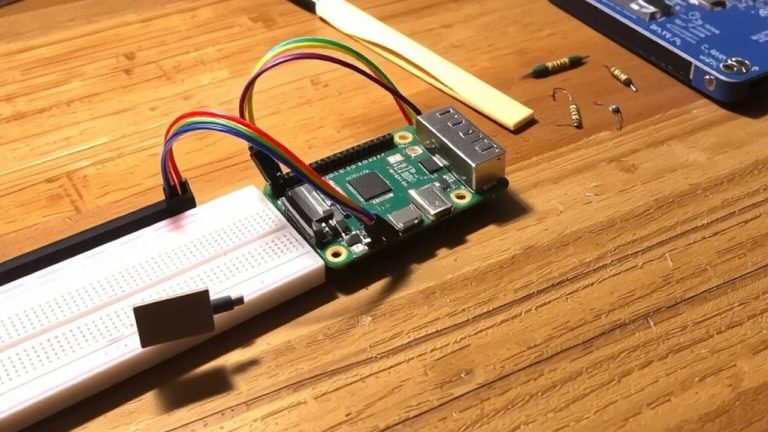
By harnessing the Pico W’s wireless power in Arduino IDE, you’re one blink away from building responsive, web-controlled robots—see how fast it all comes alive.
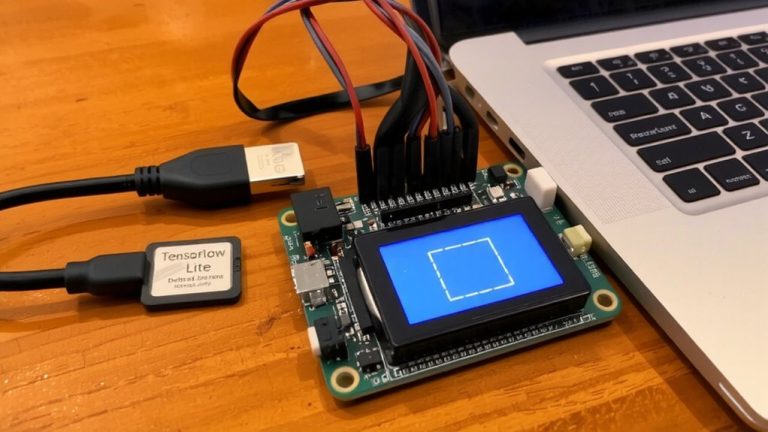
For ultra-low-power inference, see how to compress and deploy a TensorFlow Lite model on ESP32—effortlessly achieving sub-5ms predictions.
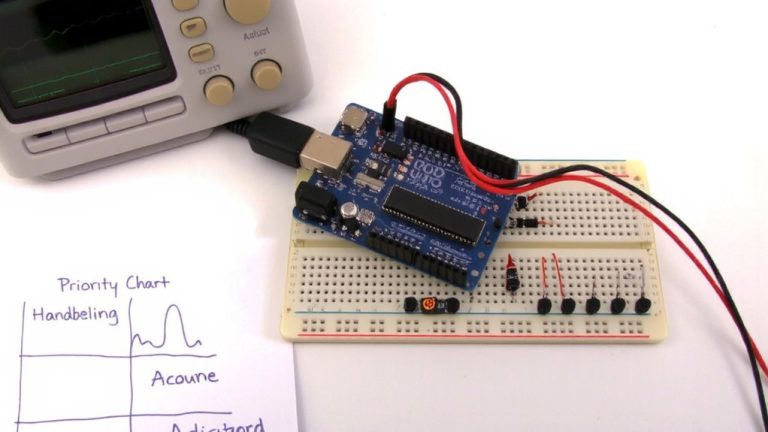
Getting real-time performance right in Arduino FreeRTOS means mastering task priorities—but one misstep can cascade into system failure.
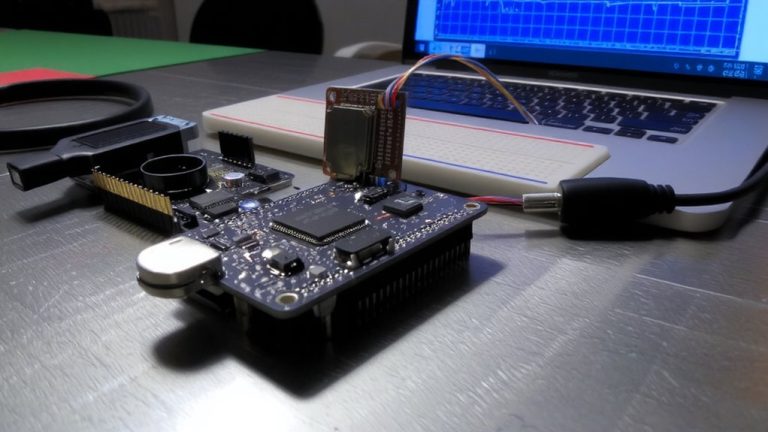
A stable 1 kHz sensor log demands PSRAM—discover how external SPI RAM buffers prevent data loss during SD writes.
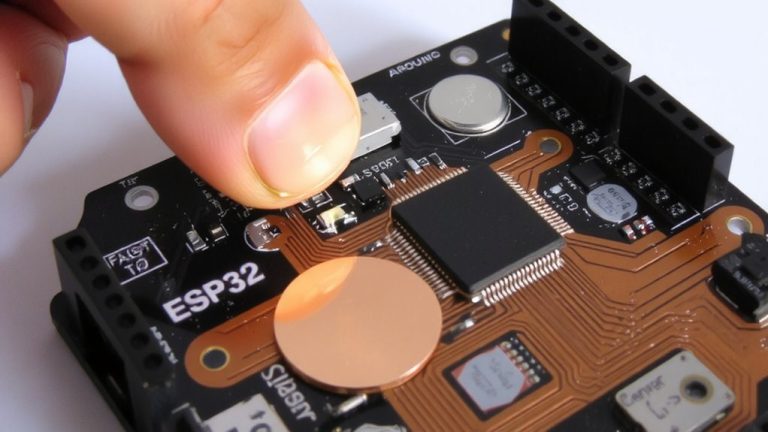
No wires, no buttons—just tap a hidden foil pad to wake your ESP32 and control any project with touch; discover how to build and fine-tune the circuit now.